Content Provided by Sage
Sage 100 Contractor QuickBooks Comparison
Sage 100 Contractor delivers a comprehensive, construction-specific solution that extends far beyond the capabilities of QuickBooks by unifying accounting, estimating, project management, scheduling, service management, and reporting into a single platform. Unlike QuickBooks, which often relies on limited functionality or third-party integrations, Sage 100 Contractor provides built-in tools for managing budgets, tracking change orders, monitoring job costs, and improving operational visibility across every phase of a project. With advanced features for payroll, equipment tracking, and financial controls, contractors gain greater accuracy, efficiency, and insight into business performance. This integrated approach helps reduce errors, streamline workflows, and support better decision-making across the organization.
- Construction-specific workflows
- Accounting + estimating + operations
- Free comparison guide
What you'll get
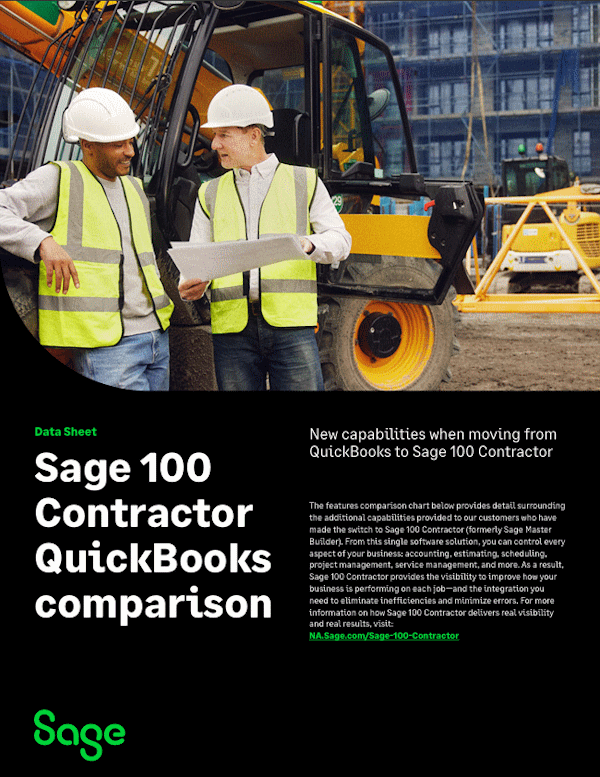
A side-by-side comparison showing where Sage 100 Contractor extends beyond QuickBooks Enterprise, QuickBooks Premier Contractor Edition, and QuickBooks Online for contractors.
-
Better estimating and budgeting
See added support for budgets, Excel budget imports, budgeted hours, and detailed estimating workflows.
-
Stronger project controls
Review capabilities for change orders, subcontract tracking, scheduling, field reporting, and service management.
-
Construction-focused accounting
Learn how Sage adds job costing, retention tracking, AP controls, payroll depth, and equipment visibility.
-
Deeper reporting and scale
See added support for budgets, Excel budget imports, budgeted hours, and detailed estimating workflows.
Guide preview
Sage contractor comparison